Developer Offer
Try ImaginePro API with 50 Free Credits
Build and ship AI-powered visuals with Midjourney, Flux, and more — free credits refresh every month.
Revive Cherished Memories With AI Photo Restoration
Preserving Priceless Memories in the Digital Age
Old photos are irreplaceable windows to our past, capturing moments and memories we cherish deeply. Unfortunately, physical prints often fade, scratch, and deteriorate over time. Even early digital photos from the 2000s suffer from low resolution and a lack of detail, leaving us wishing we could see those precious moments more clearly.
This is where artificial intelligence offers a modern solution. We took a look at VideoProc Converter AI, which presents itself as a comprehensive, easy-to-use media toolkit designed to enhance both images and videos. Its "Image AI" module is specifically built to tackle the common issues with old photos, promising to upscale them to 4K or even 10K, remove digital noise, restore lost details, retouch faces, and even colorize black-and-white images.
You can download a free trial of VideoProc Converter AI to test its capabilities. For those ready to unlock its full potential, a paid license is available with a significant discount right now, making it a great time to see if this tool fits your needs.
Special Limited-Time Offer
While we can't go back in time, AI technology allows us to bring old photos back to life without the need for expensive or complicated software. VideoProc Converter AI is currently running a special promotion that makes it incredibly accessible.
A lifetime license is available for just $39.95, down from the regular price of $89.95. You can also get a lifetime license for up to 5 computers for a small additional cost, which is perfect for families or users with multiple devices. Both options provide full lifetime access, free updates, and four bonus tools.
A Deep Dive into AI Photo Restoration Features
VideoProc Converter AI centralizes its photo restoration tools within a single, user-friendly Image AI module. This module combines Super Resolution, Face Restoration, and Colorizing to address the most common challenges in old photos: low quality, blurry faces, and lack of color. This integrated approach allows you to fix multiple issues in one simple step.
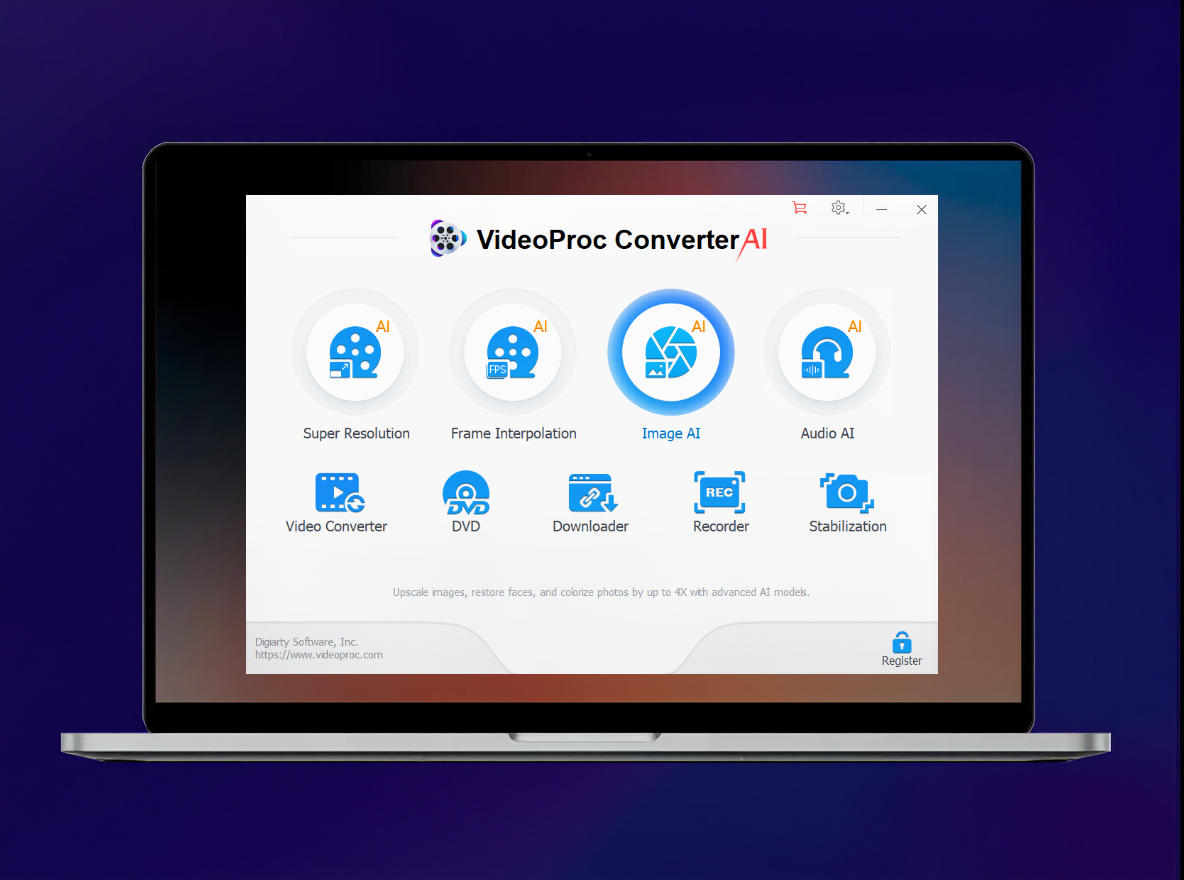
Super Resolution: Upscale and Enhance
The Super Resolution tool is designed to upscale and enhance all types of images. Its latest AI models are trained to fix low resolution, noise, blur, and loss of detail.
- Upscaling: Enlarge images by 2x, 3x, or 4x for printing or modern displays while preserving fine details.
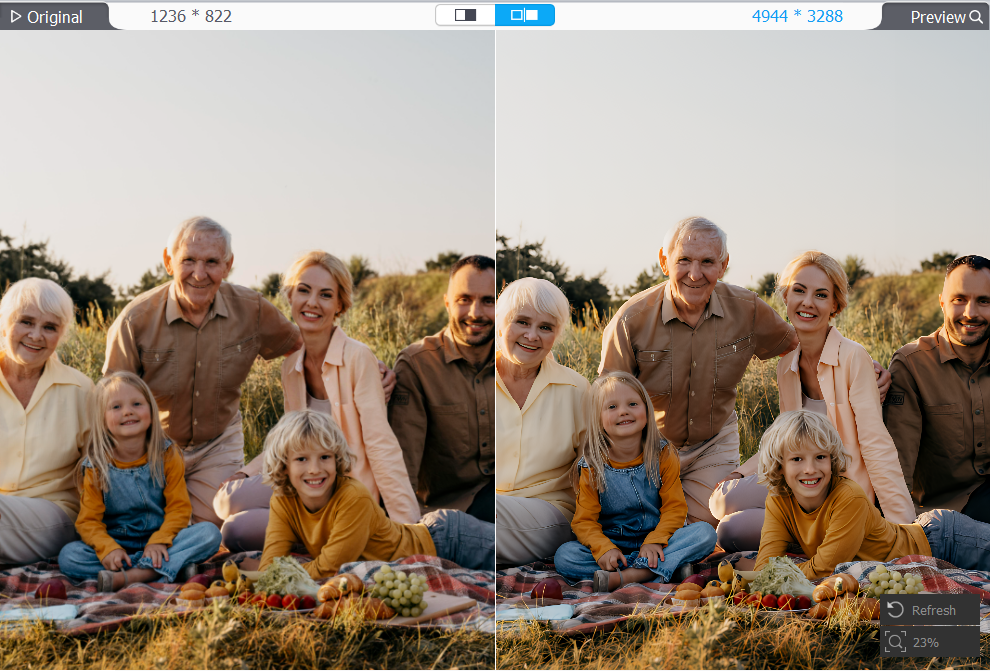
- Denoising: Clears up photos taken in low light by reducing noise without blurring textures.
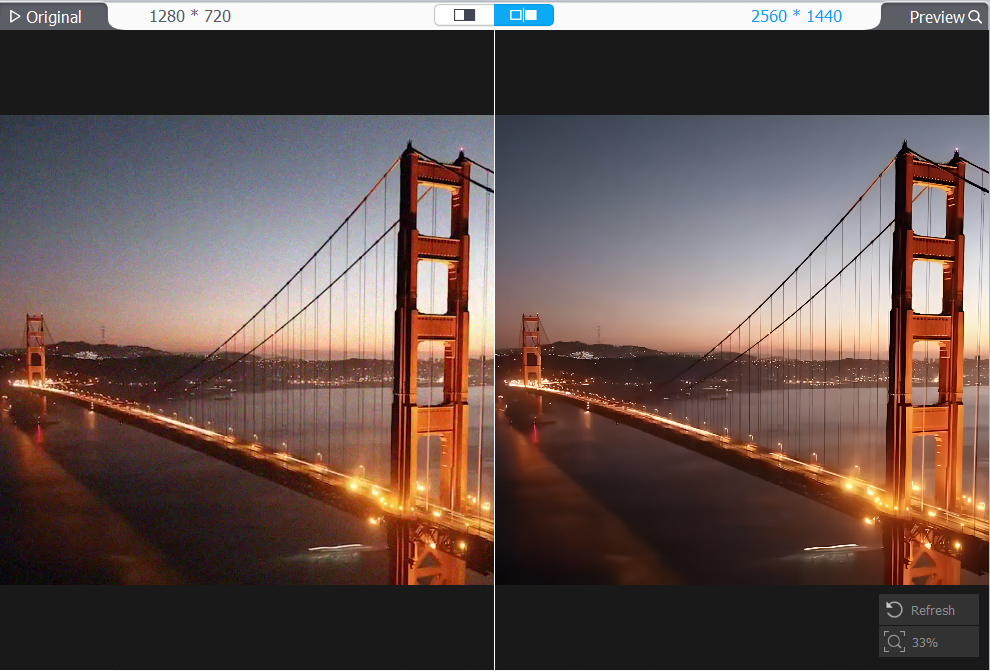
- Deblurring: Recovers sharpness in photos from early digital cameras or scanned film prints.
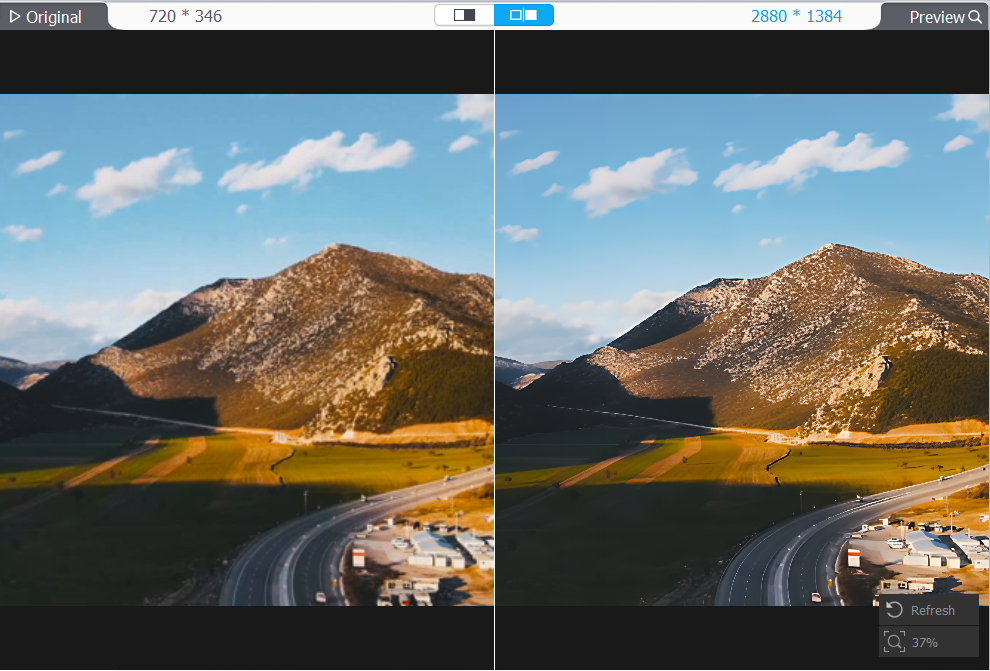
- Detail Generation: Recreates natural textures and sharpens edges that were lost to time or compression.
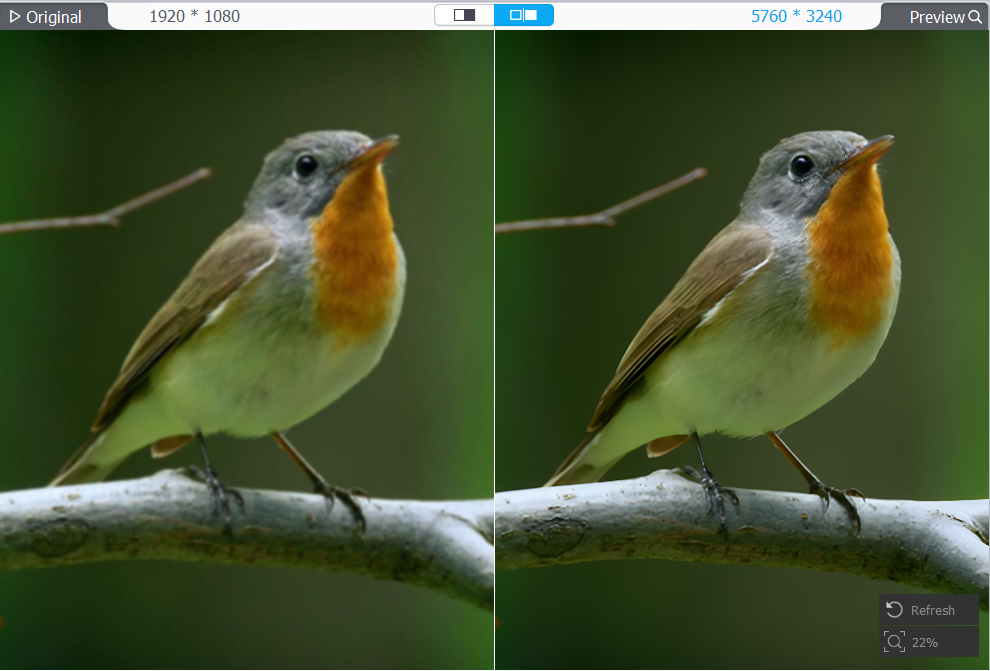
AI Face Restoration
One of the biggest disappointments with old photos is the loss of detail in people's faces. The AI Face Restoration feature is engineered to solve this by unblurring faces, fixing blemishes, and restoring key features like eyes and hair. It's incredibly effective for turning faded or damaged portraits into something worth framing again.
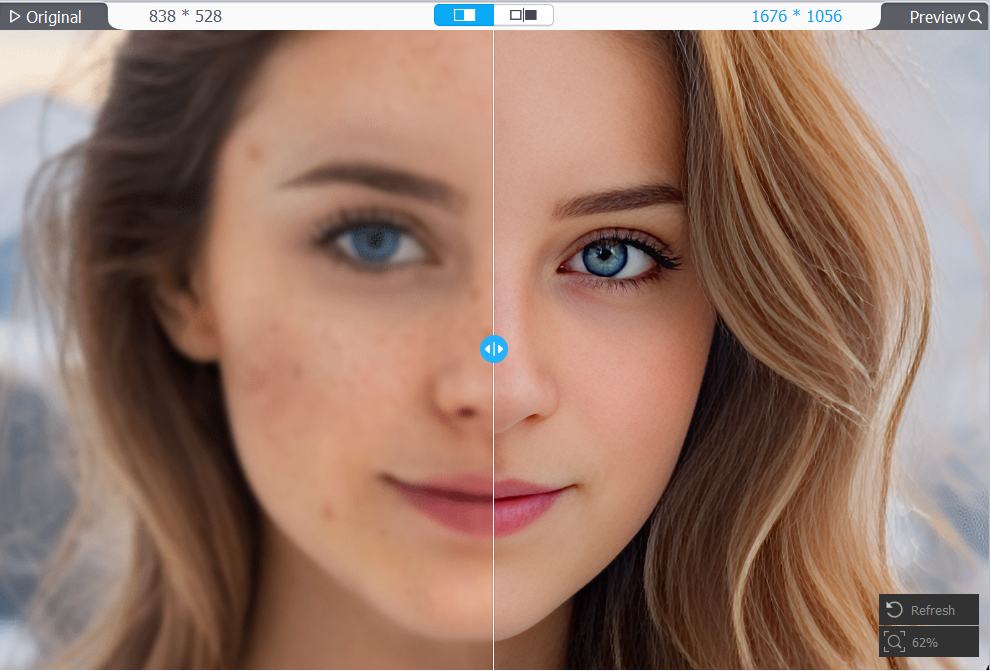
AI Colorizing
Ever wonder what a black-and-white photo would look like in color? The AI Colorizing tool brings monochrome or faded images to life by adding natural, vibrant tones. The AI analyzes the image to apply accurate colors, avoiding the oversaturation common in other automated tools. This can add a new layer of emotion and storytelling to historic photos and old family portraits.
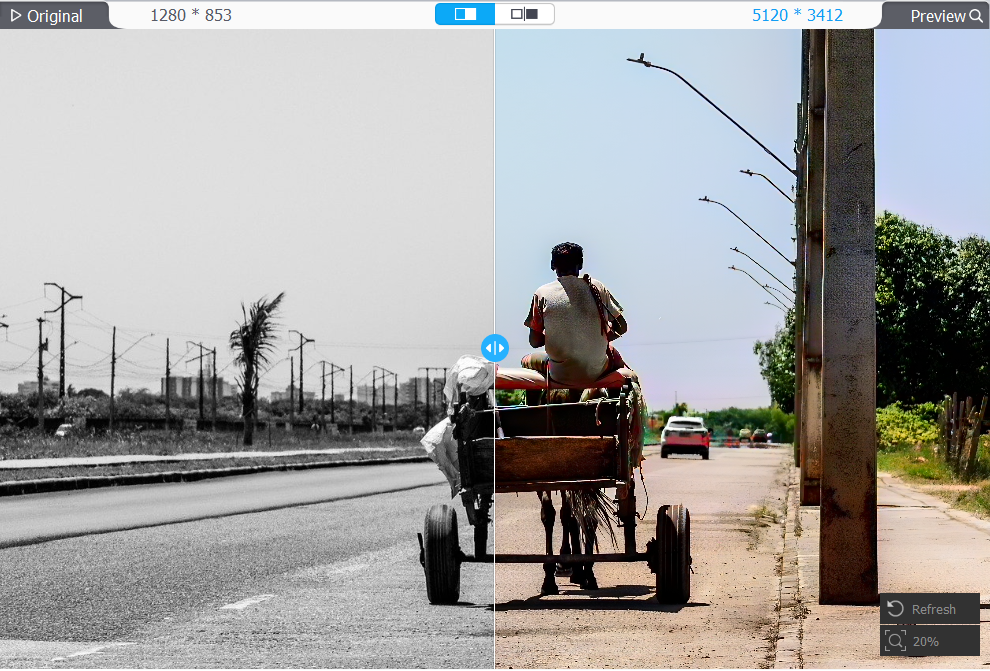
How to Restore Your Photos in 4 Simple Steps
Using the Image AI module is straightforward, even for beginners.
- Download VideoProc Converter AI, install it, and open the "Image AI" module.
- Import your photo and select Super Resolution to upscale the image and restore details.
- For additional improvements, check the boxes for Face Restoration and/or Colorizing.
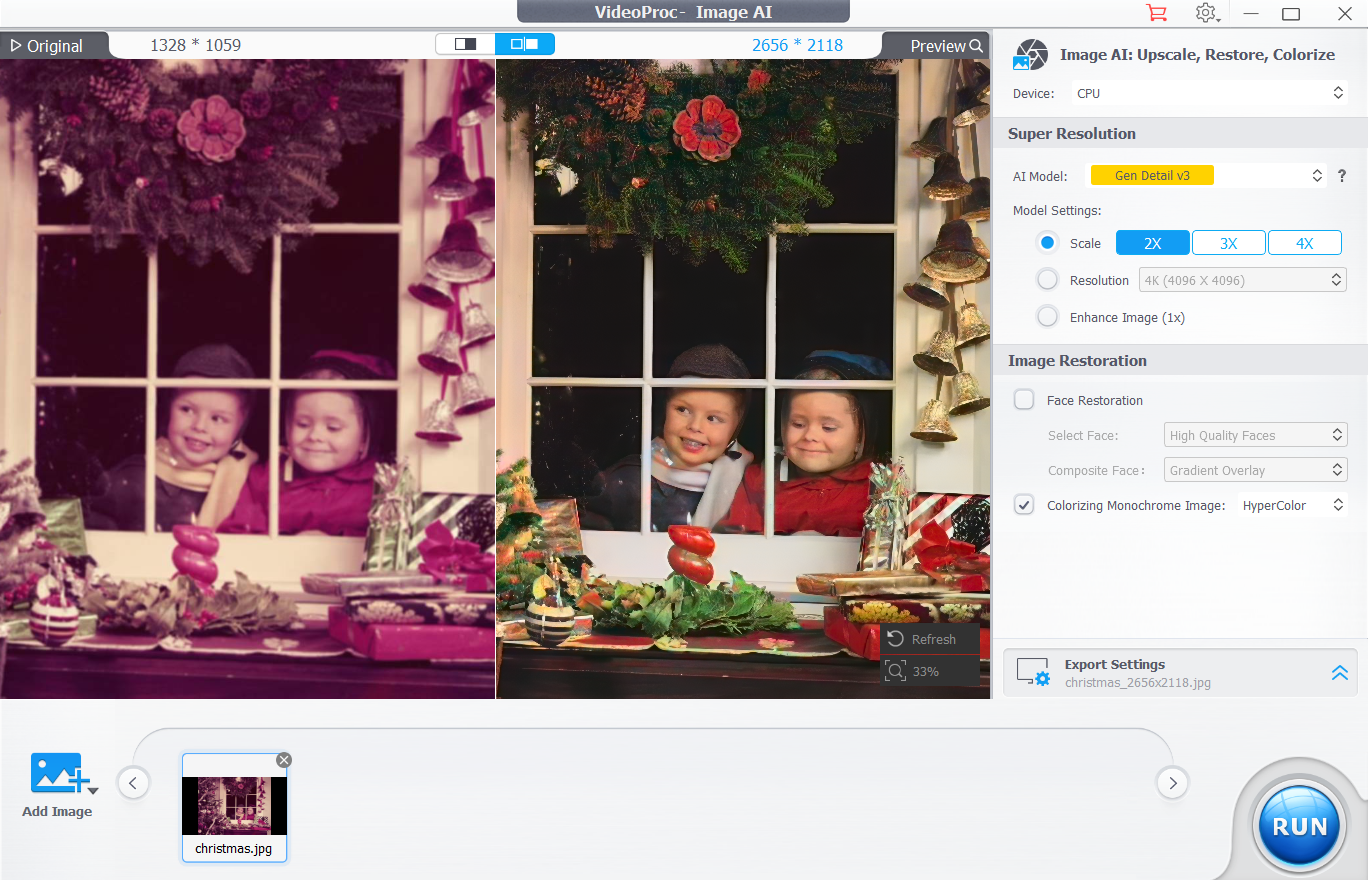
- Choose your export settings (format, quality, DPI) and click Run.
For a more detailed walkthrough, you can watch the video tutorial on YouTube.
Bonus: AI-Powered Video Enhancement
VideoProc Converter AI is more than just a photo tool; it also includes powerful AI features for enhancing videos.
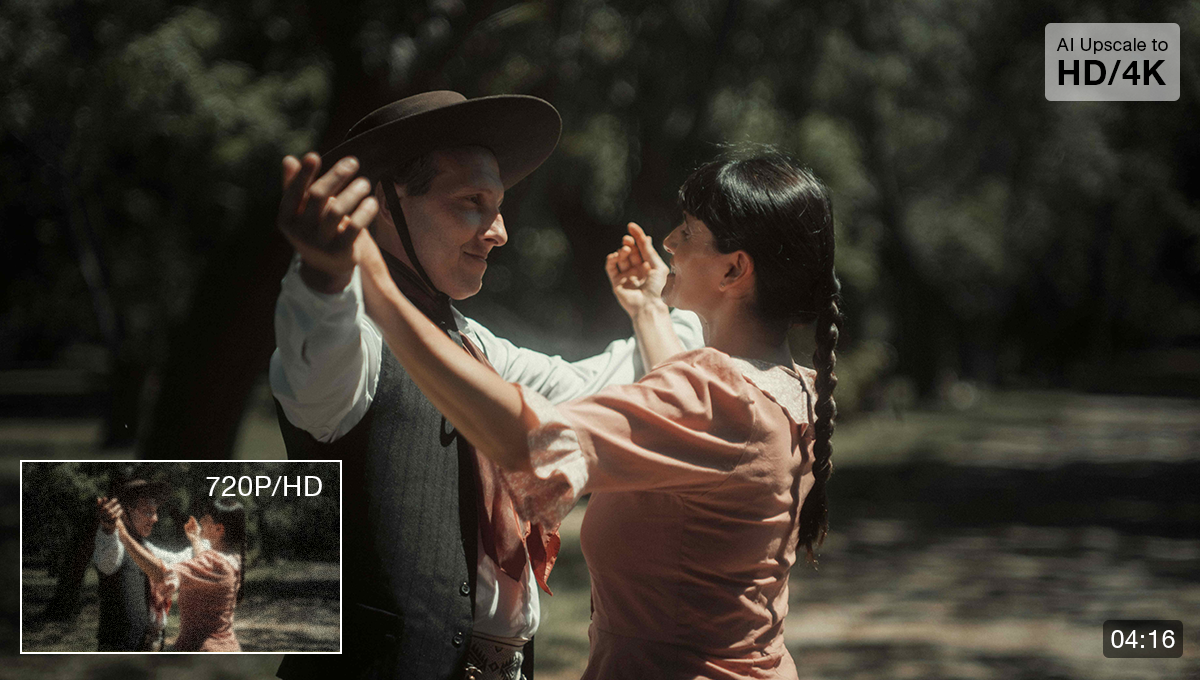
- Super Resolution can upscale vintage or low-resolution video clips to sharp 2K or 4K, perfect for footage from old camcorders or VHS tapes.
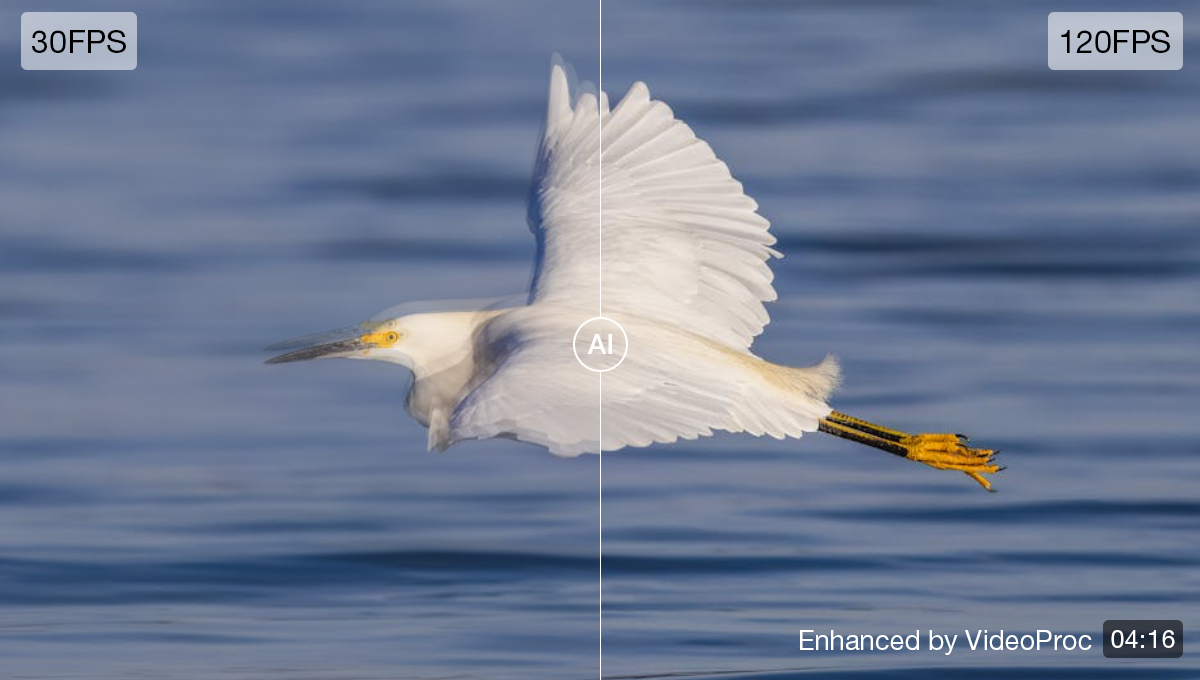
- Frame Interpolation boosts video frame rates up to 300 fps, creating ultra-smooth playback for older footage.
The software also includes a video converter, a simple editor, a media downloader, and a screen recorder, making it a true all-in-one toolbox for your media projects.
Final Verdict: Is It Worth It?
While AI can't replace the sentimental value of an original photo, tools like VideoProc Converter AI demonstrate how technology can help us preserve our past. Its ability to upscale, restore faces, and colorize images turns old, imperfect photos into high-quality files suitable for modern screens and prints. When combined with its video enhancement capabilities, it stands out as a versatile and powerful media toolkit.
If you're interested in leveraging AI to enhance your old photos and videos, now is a great time to give it a try with the current special offer on a lifetime license.
Compare Plans & Pricing
Find the plan that matches your workload and unlock full access to ImaginePro.
| Plan | Price | Highlights |
|---|---|---|
| Standard | $8 / month |
|
| Premium | $20 / month |
|
Need custom terms? Talk to us to tailor credits, rate limits, or deployment options.
View All Pricing Details