Developer Offer
Try ImaginePro API with 50 Free Credits
Build and ship AI-powered visuals with Midjourney, Flux, and more — free credits refresh every month.
Luminar Neo Unleashes Powerful New AI Editing Tools
Skylum has rolled out its Fall 2025 update for the acclaimed Luminar Neo software, packing it with powerful new features and significant enhancements designed to empower photographers of all levels.
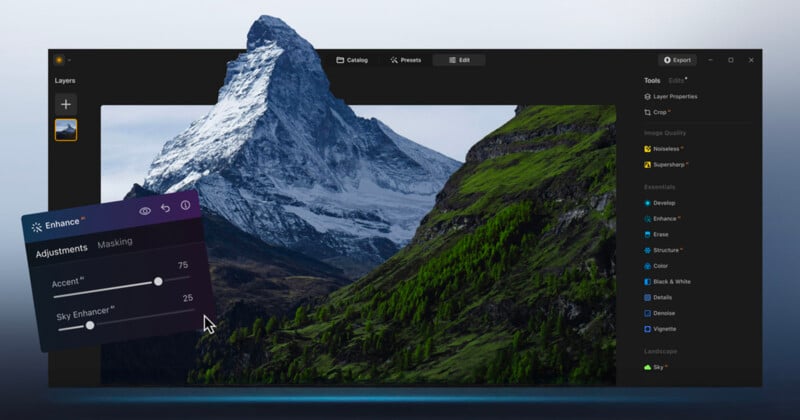
Unify Your Workflow with the Luminar Neo Ecosystem
A standout feature of this update is the new Luminar Neo Ecosystem, which creates a unified editing environment across multiple devices. Photographers can now begin editing a photo on their smartphone while out in the field and seamlessly transition to a desktop or laptop to finalize the image. All adjustments and metadata are synced, ensuring a consistent workflow and eliminating the tedious process of manual file transfers. This is a game-changer for professionals managing tight deadlines or multiple client projects.
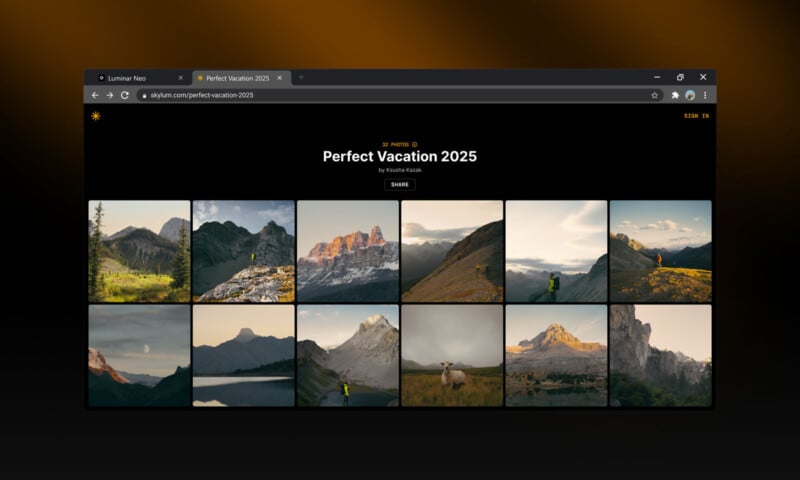
Further enhancing this connected experience is Spaces, a new gallery-sharing feature. It allows photographers to create and share curated web galleries of their work without needing to build their own website. As Skylum explains, “With Spaces, hobbyists and professional photographers can share personalized, curated web galleries that inspire, connect, and bring their work to life with their community, customers, and other creatives.”
Breathe New Life into Old Photos with AI Restoration
The Fall Update introduces Restoration, a powerful AI tool designed to repair old, faded, or damaged photographs. This feature is invaluable for anyone working with historical images, family archives, or vintage prints. The AI intelligently repairs cracks, removes stains, and corrects discoloration while carefully preserving the original texture and details. It can neutralize color casts and restore depth to monochrome photos, bringing cherished memories back to life with a natural, realistic finish.


This opens up new service opportunities for professional photographers and allows hobbyists to easily preserve their family heritage. Restoration is available with the Ecosystem Pass, the 2025/2026 Upgrade Pass, and perpetual licenses.
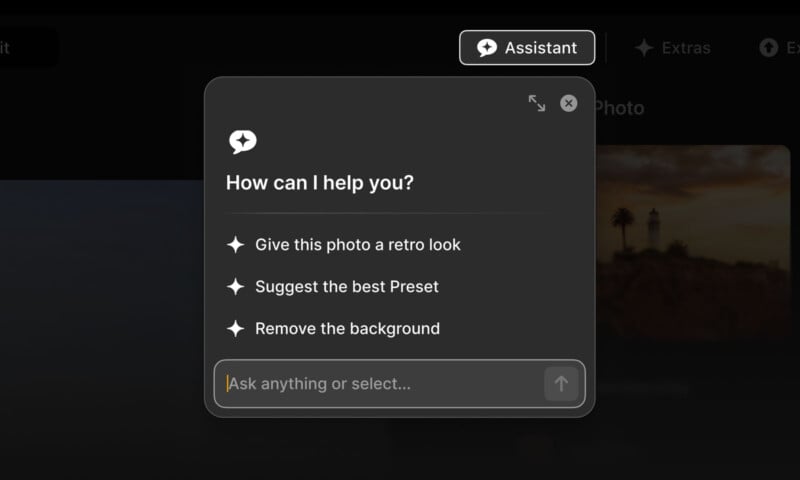
Smarter Editing with the New AI Assistant
Luminar Neo now features an integrated AI Assistant that acts as a smart editing companion. It analyzes your photos in real time and provides intelligent suggestions to improve them. From optimizing exposure and color balance to recommending creative presets, the assistant helps accelerate your workflow and provides inspiration when you need it. This tool is especially helpful for beginners learning the ropes and for professionals looking to maintain consistency across a large batch of images, such as a wedding or event shoot.
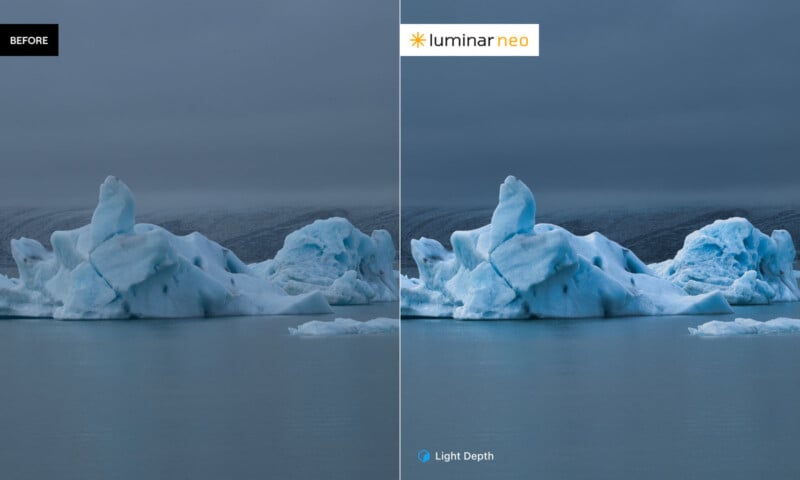
Master Your Lighting with Light Depth
Replacing the previous Relight AI tool, the new Light Depth feature gives photographers incredible control over lighting in three-dimensional space. This advanced tool allows you to add and manipulate virtual light sources within your image, adjusting their direction and intensity. You can soften harsh shadows, illuminate your subject, or create dramatic, studio-like lighting effects with precision. Light Depth is perfect for shots taken in challenging or unpredictable lighting conditions, helping you achieve a professional, cinematic look.
Pricing and Special Offers
The Luminar Neo fall update will be released in early November. However, Skylum has already launched its special Black Friday pricing for a limited time. Existing customers can get a 50% discount on the Ecosystem Pass and the 2025/2026 Upgrade Pass. New customers can save up to 77% on one-time Perpetual licenses, with prices starting at just $99 for the Perpetual Desktop License.
Image credits: Skylum
Compare Plans & Pricing
Find the plan that matches your workload and unlock full access to ImaginePro.
| Plan | Price | Highlights |
|---|---|---|
| Standard | $8 / month |
|
| Premium | $20 / month |
|
Need custom terms? Talk to us to tailor credits, rate limits, or deployment options.
View All Pricing Details