Developer Offer
Try ImaginePro API with 50 Free Credits
Build and ship AI-powered visuals with Midjourney, Flux, and more — free credits refresh every month.
Comfy H3 Sync Sound Challenge: The Winners
Comfy H3 Sync Sound Challenge: The Winners
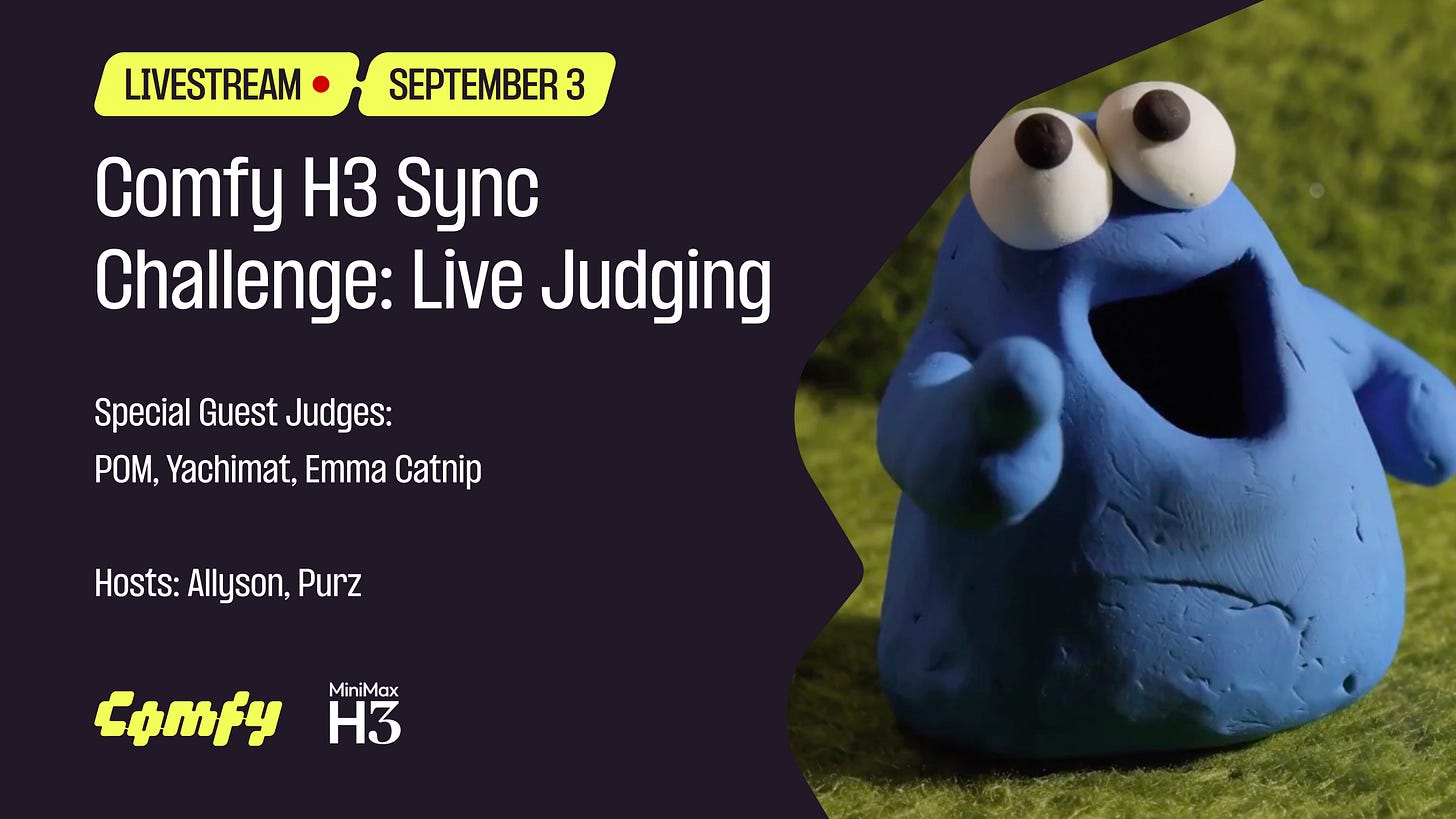
Inside the Comfy H3 Sync Sound ComfyUI AI Art Challenge: Winners, Workflows, and Technical Lessons
The Comfy H3 Sync Sound ComfyUI AI Art Challenge turned a familiar question—can generative models make beautiful images?—into a harder one: can a node-based pipeline make images move with sound? This community-focused AI generative art contest asked artists to build audio-reactive, sync-driven works in ComfyUI, then document their workflows well enough for judges and peers to understand the craft behind the render. The result was less a simple gallery of AI images and more a snapshot of where open-source visual generation is heading: multimodal, reproducible, and increasingly technical.
This deep-dive covers the challenge format, judging criteria, standout winning entries, and the workflows behind them. It is written for developers and digital artists who want to understand not just who won, but how sync sound workflows actually work in ComfyUI—and what that means for future AI art competitions.
Setting the Stage: The Comfy H3 Sync Sound ComfyUI AI Art Challenge
The challenge was organized around a simple but demanding premise: every submission had to synchronize generated visuals to an audio track. That meant more than adding a soundtrack in post. Participants had to design workflows where beats, amplitude, frequency bands, or narrative audio cues influenced generation, animation, transitions, or compositing. In practice, this pushed entries beyond static image generation and into the territory of audio-reactive pipelines, frame timing, and render management.
Why does a sound-sync challenge matter in the ComfyUI community? Because ComfyUI is already a workflow-first environment. Its users think in graphs, samplers, conditioning, and control inputs. Adding audio as a first-class input is a natural next step. It also raises the bar for the AI generative art contest format: judges can evaluate not only aesthetics but also timing, technical execution, and reproducibility.
Inside the Challenge Format and Sound-Sync Brief
)
The brief required participants to submit a finished audiovisual piece alongside evidence of their ComfyUI workflow. In most community challenges of this type, that means a workflow JSON, seed values, model list, and enough notes for another artist to reproduce or at least understand the pipeline. The sound-sync requirement meant the audio could not be decorative. It had to drive something: a cut, a camera move, a color shift, a latent interpolation, or a control signal.
Categories often included photorealism, fantasy, abstract, experimental sound sync, and narrative. Deadlines and submission windows were tight enough to reward planning over last-minute experimentation. The strongest entries treated the audio as a timeline map before they ever rendered a final frame.
How the AI Generative Art Contest Fit the ComfyUI Ecosystem

ComfyUI’s culture is built on sharing. Nodes are modular, workflows are portable, and the community regularly publishes graphs that others can remix. The ComfyUI AI Art Challenge fit that ecosystem because it rewarded transparency. A beautiful render with no workflow documentation might impress casually, but it would struggle under judging criteria that asked: How did you do that? Can it be repeated? Can another artist learn from it?
That emphasis on open experimentation is important. It separates a node-based AI art workflow from a black-box generation tool. The challenge became a showcase for what happens when artists treat ComfyUI as a programmable visual instrument rather than a slot machine.
Key Rules, Themes, and Submission Requirements

Eligibility was generally open to individual artists and small teams, with originality requirements and licensing constraints around models and datasets. Submissions needed to respect model licenses, avoid unauthorized copyrighted material, and disclose any post-processing outside ComfyUI. Common deliverables included:
- A final video in a standard format, often 1080p or higher
- The ComfyUI workflow file or a detailed node graph export
- Prompt logs, seed values, and model/version notes
- A short process statement explaining the sound-sync approach
- Confirmation that audio and visual assets were properly licensed
The themes encouraged interpretation. Some artists treated sync sound as rhythmic editing. Others used it as a generative control signal. The best entries did both.
Judging the AI Generative Art Contest: Criteria, Judges, and Scoring

Judging an AI generative art contest is not just about picking the prettiest frame. The panel weighed originality, technical execution, visual impact, narrative coherence, and community engagement. The strongest submissions made it easy to see the artist’s intent at every level: concept, sound mapping, node design, and final polish.
Originality and Creative Use of Sync Sound
Originality was judged by how creatively the artist mapped audio to visuals. A common mistake is to sync only on obvious beats. Stronger entries used frequency bands, silence, dynamic range, and timbral shifts to influence different parameters. For example, low-frequency energy might control camera drift, while high-frequency transients trigger prompt changes or style modulation.
Emotional impact mattered too. A technically accurate sync that felt mechanical often lost to a simpler entry where the sound and image felt inseparable.
Technical Execution in ComfyUI Workflows

Technical execution covered node graph clarity, reproducibility, render quality, and efficient use of ComfyUI. Judges looked for workflows that were organized, not merely complex. A huge graph with hundreds of nodes is not automatically better than a clean graph with well-chosen controls. Reproducibility was especially important: seeds, model versions, sampler settings, and custom nodes had to be documented.
Visual Impact and Narrative Coherence
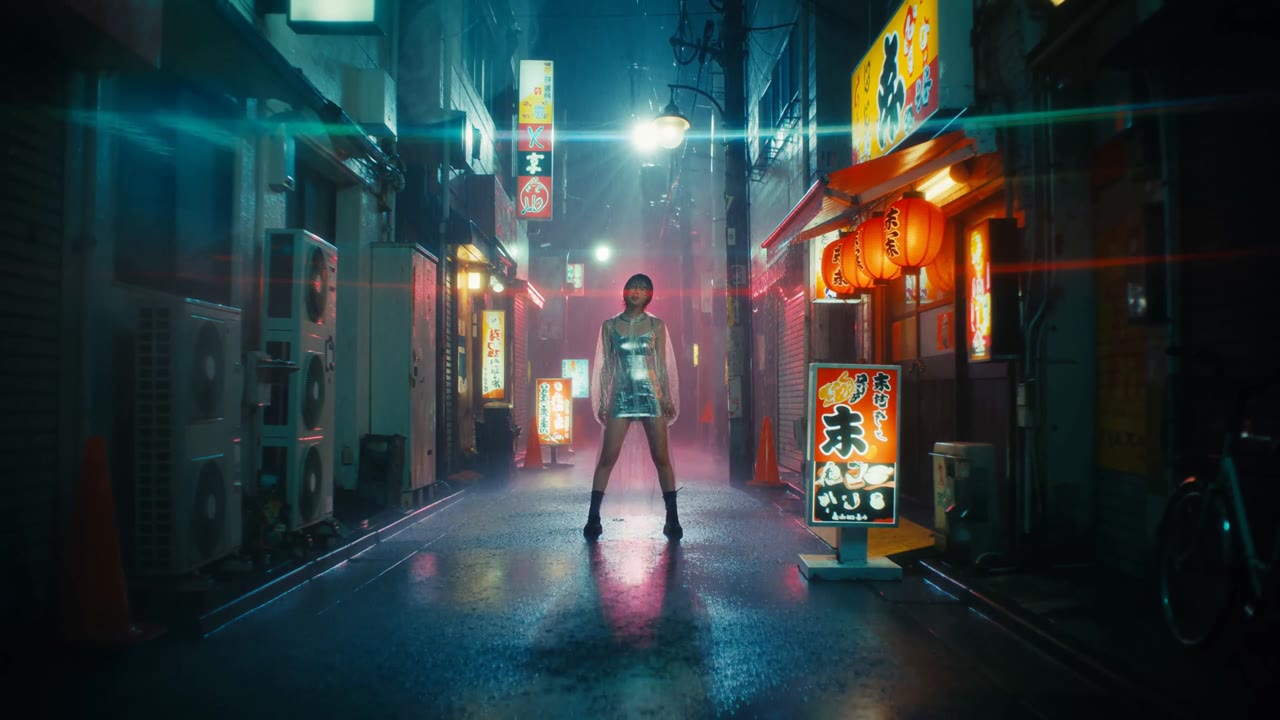
Visual impact included composition, color, motion, and texture. Narrative coherence asked whether the piece held together as a short film, not just a sequence of attractive frames. Sound had to reinforce the visual arc. If the audio built tension, the visuals needed to escalate. If the audio resolved, the render needed to land that resolution.
Community Voting and Audience Engagement
Public voting added a social layer. It rewarded entries that communicated their process clearly and invited viewers into the workflow. Community engagement did not override the technical judging, but it influenced visibility and discussion. The most shared entries often included behind-the-scenes breakdowns, node screenshots, and honest notes about failed iterations.
Meet the Winners: Standout Entries in the ComfyUI AI Art Challenge
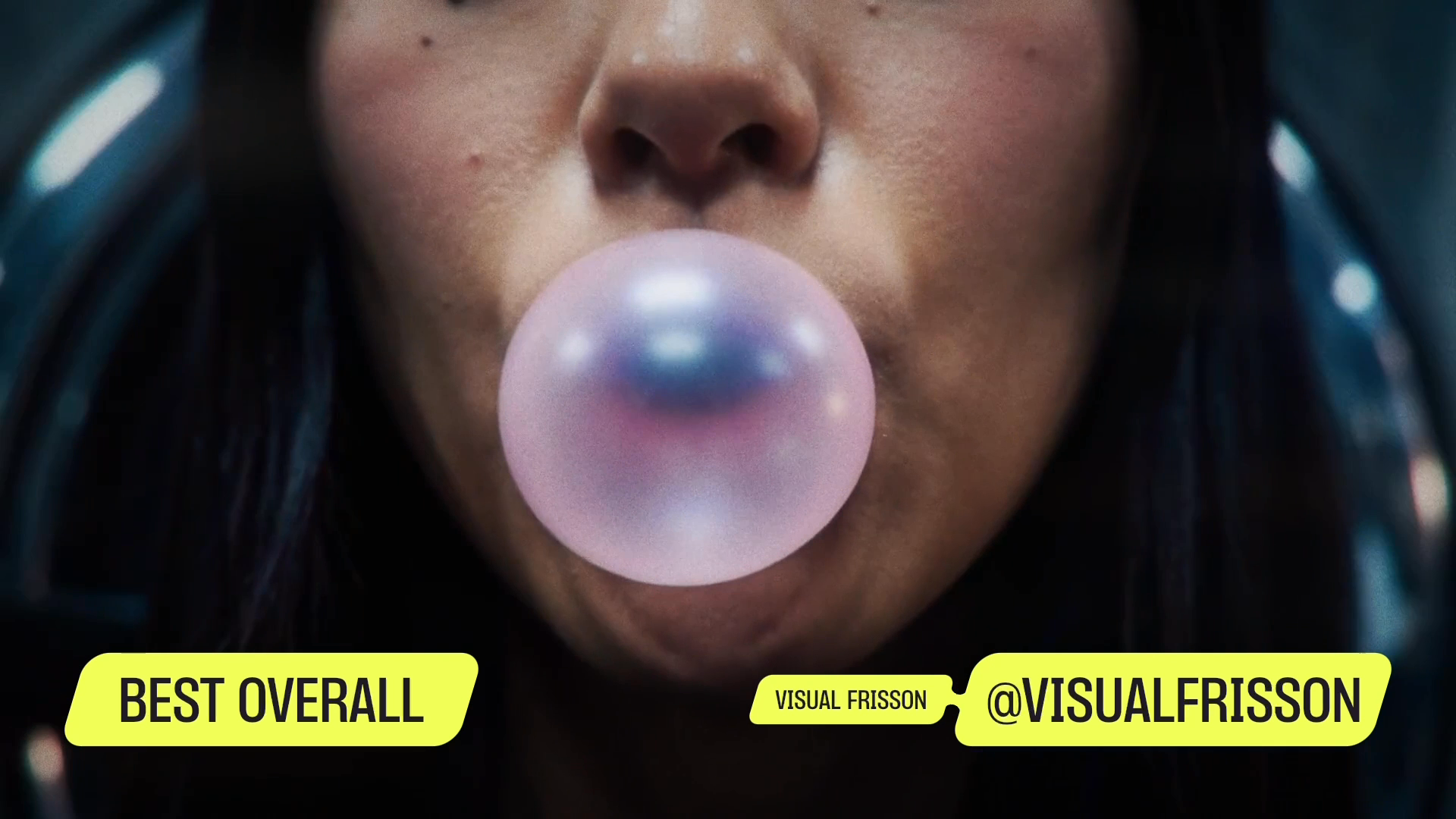
The winning entries in this ComfyUI AI Art Challenge shared a common trait: they treated sound as structure. They did not simply add music to generated clips. They built pipelines where audio data shaped timing, style, and transitions.
Grand Prize Winner: Concept, Sound Sync, and ComfyUI Pipeline
The grand prize entry combined a clear concept with disciplined audio mapping. The piece used a layered audio track with distinct percussive hits and sustained tonal beds. The artist mapped transient peaks to sharp visual accents—light flashes, camera jolts, and brief style shifts—while sustained frequencies controlled slower latent interpolation and color grading.
The ComfyUI pipeline likely used an audio analysis pre-pass to extract amplitude envelopes and beat positions, then fed those values into control nodes, batch schedulers, and keyframe logic. The result felt intentional rather than reactive. Each cut had a reason, and the workflow documentation made that reasoning visible.
Runner-Up Entries: Diverse Approaches to AI Generative Art
Runner-up entries explored different interpretations. One leaned into photorealism, using subtle sync where the environment pulsed with the audio rather than cutting on every beat. Another took a fantasy approach, using sound cues to trigger scene transitions between dreamlike locations. A third used abstract procedural motion, where audio-reactive parameters modulated noise fields and displacement maps.
The diversity showed that sync sound is not a single technique. It is a design constraint that can be applied across styles.
Honorable Mentions and Category Winners
Category winners included photorealism, fantasy, abstract, experimental sync, and narrative. Honorable mentions often excelled in one dimension—such as exceptional color scripting or inventive audio mapping—even if the overall piece was less polished. These entries are often the most instructive because they show specific techniques that can be borrowed.
What the Winning Submissions Shared
Across winners, several patterns emerged:
- Planning before rendering: They mapped audio to visual events before generating final frames.
- Iterative testing: They rendered short segments to validate sync before committing to full-length renders.
- Clean node organization: They grouped nodes by function—audio analysis, conditioning, sampling, compositing, and output.
- Documentation discipline: They recorded seeds, model versions, and custom node dependencies.
- Restraint: They used audio reactivity where it mattered, not everywhere.
Behind the Winning AI Art Workflows for Digital Artists
For digital artists, the most valuable part of the challenge is the workflow breakdown. The winners did not rely on magic prompts. They built systems.
Workflow Breakdown: Nodes, Models, and Sync Techniques
A typical winning workflow separates into stages: audio analysis, conditioning, generation, temporal control, and post-processing. Audio analysis might use a custom node or an external pre-pass to extract RMS, spectral flux, or beat timestamps. Those values become control inputs for sampler strength, prompt weighting, ControlNet strength, or frame selection.
For example, a simplified pseudo-code mapping might look like this:
# conceptual mapping, not runnable ComfyUI code
for frame_idx, audio_features in enumerate(audio_frames):
    if audio_features.beat:
        control_strength = 1.0
        prompt_weight = base_prompt_weight + 0.15
    else:
        control_strength = 0.6
        prompt_weight = base_prompt_weight
In ComfyUI, this logic is usually expressed through nodes rather than a loop: audio feature extractors, math nodes, schedulers, and conditioning combiners.
Prompt Engineering and Iterative Refinement
Winners treated prompts as variables, not constants. They built prompt templates with slots for style, mood, lighting, and camera behavior. During iteration, they changed one variable at a time and rendered short tests. This is slower than random prompting, but it produces controllable results.
A common mistake is to overstuff prompts. Long prompts can create unstable generation across frames. The better approach is to use a concise base prompt and let control nodes, LoRAs, or IP-Adapter inputs carry the visual specificity.
Sound Design and Temporal Alignment
Sync sound lives or dies on timing. Winners paid attention to frame rate, audio sample rate, and render duration. They checked for drift by comparing the final video timeline against the audio waveform. Latency compensation was sometimes necessary if audio-reactive nodes introduced delay.
Beat mapping was only the start. Strong entries used waveform analysis to identify build-ups, drops, silence, and transitions. Then they aligned visual events to those moments, not just to the nearest kick drum.
Post-Processing and Final Output
Post-processing often happened outside ComfyUI, but the best artists documented it. Upscaling, color correction, frame interpolation, and compression all affect perceived quality. Frame interpolation can smooth motion, but it can also create artifacts if the source frames are inconsistent. Compression settings matter for contest submission: a beautiful render can look muddy if bitrate is too low.
Technical Deep Dive: How Sync Sound Works in ComfyUI
To understand the challenge, it helps to understand ComfyUI’s core model.
Core ComfyUI Concepts for Newcomers
ComfyUI is a node-based interface for diffusion models. A node performs an operation—load a model, encode text, sample an image, apply a control signal. A graph connects nodes so data flows from inputs to outputs. Samplers control how latent noise is denoised. Conditioning represents text or image guidance. Control inputs like ControlNet, depth, pose, or audio features influence generation.
Audio-Reactive Node Graphs and Timing
Audio-reactive graphs convert sound into numbers. Amplitude can become a float. Beat detection can become a boolean or trigger. Frequency bands can become separate channels. Those numbers then drive parameters: sampler steps, CFG scale, denoise strength, blend weights, or keyframe values.
Sync drift is the enemy. If the audio analysis uses a different frame rate than the render, small errors compound. Latency compensation may be needed when a control signal takes several frames to affect the output. Winners tested with short clips and measured where visual events landed compared to the audio.
Optimizing Resolution, Frame Rate, and Render Time
Higher resolution and higher frame rate increase render time and VRAM usage. Contest entries often balance 1080p at 24–30 fps against longer duration. Some artists render at lower resolution, then upscale. Others use frame interpolation to reach smoother motion. The key is to test the trade-off early. A 4K render that misses the deadline is worse than a clean 1080p submission.
Reproducibility and Version Control for Contest Entries
Reproducibility is a trust signal. Judges and peers want to know which model, which custom nodes, which seed, and which settings produced the result. Winners often exported workflow JSON, saved prompt logs, and noted model hashes. This is the ComfyUI equivalent of a laboratory notebook.
Case Studies: From Prompt to Winning Render
Case Study 1: Photorealistic Sync Sound Scene
A photorealistic entry might begin with a simple concept: a rain-soaked street at night. The audio track has distant thunder and footsteps. The artist maps low-frequency thunder to slow exposure shifts and footstep transients to brief camera shakes. The workflow uses a photorealistic checkpoint, ControlNet for depth, and an audio-reactive math node to modulate brightness. Final adjustments happen in post: color grading, grain, and audio mastering.
Case Study 2: Fantasy Audio-Visual Journey
A fantasy entry might use sound to trigger scene transitions. A rising choral swell opens a portal; a percussion hit changes the environment from forest to castle. The artist builds a prompt schedule that changes at specific audio timestamps. ComfyUI’s batch scheduling and conditioning nodes make this possible. The workflow is often modular: one group for environment, one for character, one for effects.
Case Study 3: Abstract Generative Animation
An abstract entry might use procedural noise driven by frequency bands. High frequencies modulate displacement, low frequencies control color palettes. The result is a moving painting that feels alive. These workflows often use fewer models but more math nodes and compositing. They are excellent tests of audio mapping because there is no narrative to hide behind.
Lessons from Production: What Worked and What Broke
In practice, the biggest failures were predictable: sync drift discovered at the last minute, node graphs too complex to debug, and licensing questions left unresolved. Many artists found that rapid concepting helped. Tools like Imagine Pro can generate high-resolution concept frames in seconds, giving artists a way to test mood, color, and composition before building a full ComfyUI graph. That kind of pre-visualization saves hours when the final render is expensive.
ComfyUI AI Image Generator Alternative: Expanding the Creative Stack
ComfyUI is powerful, but it is not always the right first tool.
When to Use ComfyUI vs. a Simpler AI Image Generator
Use ComfyUI when you need control, reproducibility, audio reactivity, or complex multi-stage pipelines. Use a simpler AI image generator when you need speed, accessibility, or quick ideation. A table helps:
| Factor | ComfyUI | Simpler AI Image Generator |
|---|---|---|
| Control | Very high | Moderate to high |
| Learning curve | Steep | Low |
| Hardware needs | Often local GPU | Usually cloud-based |
| Reproducibility | Excellent with documentation | Varies |
| Speed to first image | Slower | Very fast |
How Imagine Pro Complements ComfyUI Workflows
Imagine Pro is an AI-powered tool that generates stunning, high-resolution images and art in seconds, from photorealistic photos to fantasy creations. A free trial is available. It does not replace ComfyUI’s node-based control, but it can complement it. Artists can use it for moodboards, client previews, and concept art, then move into ComfyUI for advanced audio-reactive work.
Workflow Tips for Digital Artists Using Multiple Tools
A hybrid workflow might look like this: generate 20 concept frames with this AI image generator alternative, pick the strongest direction, then rebuild the composition in ComfyUI. Use Imagine Pro for speed; use ComfyUI for precision. If you want to test the concepting step, you can start a free trial with Imagine Pro.
Cost, Speed, and Accessibility Considerations
ComfyUI can be free and local, but it demands GPU resources and technical patience. Cloud-based generators lower the hardware barrier. Hybrid workflows can reduce frustration: fast ideation first, heavy rendering later.
Industry Impact: What This Challenge Says About AI Generative Art Contests
Growing Role of Sound and Motion in AI Art
Static images are no longer enough. Contests are moving toward motion, audio, and interaction. Sync sound is an early signal of that shift.
Community, Collaboration, and Open-Source Tools
ComfyUI’s ecosystem thrives on shared nodes and workflows. Challenges that require documentation accelerate community learning.
Commercial Opportunities for Digital Artists
Contest visibility can lead to client work, portfolio pieces, and licensing opportunities. A well-documented workflow is a professional asset.
Ethical Questions and Attribution in AI Art
Model licensing, artist attribution, and originality remain unresolved. Responsible artists disclose their tools and respect licenses.
Voices from the Community: Reactions and Judge Commentary
The community response often highlights the same themes: excitement about audio-reactive workflows, respect for clean documentation, and a desire for clearer licensing standards.
Best Practices for Future ComfyUI AI Art Challenges
Planning Your Submission Around the Brief
Decode the judging criteria before you start. If sync sound matters, build your audio map first.
Building Reliable AI Art Workflows for Digital Artists
Keep graphs modular. Version-control your workflow JSON. Test with short clips.
Testing Sound Sync Before Deadline
Watch on multiple devices. Check audio drift. Render test segments early.
Presenting Your Process for Judges
Include workflow diagrams, prompt logs, and process notes. Clarity is a competitive advantage.
Common Pitfalls to Avoid in AI Generative Art Contests
Overlooking Audio Timing and Sync Drift
Small timing errors compound. Always verify the final render against the waveform.
Overcomplicating Node Graphs
Complexity is not quality. Clean graphs are easier to debug and reproduce.
Ignoring Licensing and Model Usage Rights
Read model licenses. Respect contest rules. Disclose external assets.
Failing to Document the Creative Process
Undocumented work is hard to judge and hard to learn from.
The Road Ahead: Trends in ComfyUI AI Art Challenges
More Multimodal Contests: Image, Sound, and Video
Expect more challenges that combine visuals, audio, motion, and interaction.
Better Tooling for Audio-Reactive Generation
Custom nodes and audio analysis tools will mature, making sync workflows more accessible.
Higher Expectations for Reproducibility and Ethics
As the field grows, judges and audiences will demand clearer documentation and responsible licensing.
The Comfy H3 Sync Sound ComfyUI AI Art Challenge showed that AI art is not just about generating images. It is about building systems that respond, move, and communicate. For digital artists, the lesson is clear: learn the nodes, map the sound, document the process, and treat every render as an opportunity to build a workflow you can explain—and repeat.
Compare Plans & Pricing
Find the plan that matches your workload and unlock full access to ImaginePro.
| Plan | Price | Highlights |
|---|---|---|
| Standard | $8 / month |
|
| Premium | $20 / month |
|
Need custom terms? Talk to us to tailor credits, rate limits, or deployment options.
View All Pricing Details